
Gyroflow has revolutionized FPV post-production. By using internal gyroscope logs, it provides buttery stabilization without destroying dynamic resolution.

This guide focuses on the practical decisions behind How to Master Gyroflow: Step-by-Step Open Source FPV Video Stabilization. Use it to understand what changes on the aircraft, what to check before flight, and how to avoid buying or tuning around the wrong problem.
The Practical Decision
How to Master Gyroflow: Step-by-Step Open Source FPV Video Stabilization sits inside the larger topic of cinematic FPV camera settings, stabilization, shooting, and post-production. The important question is not whether one number, product, or workflow sounds advanced. The important question is whether it gives the pilot more predictable control, cleaner footage, safer power handling, or a better chance of finishing the session without avoidable repairs.
Load Video & Gyro Data: Import your video file. Gyroflow automatically detects embedded motion telemetry (GoPro, DJI O3/O4, Walksnail, or Betaflight blackbox).
Preset & Lens Profile: Select your exact camera lens profile (e.g., GoPro HERO12 Wide 4K) to calculate optical distortion.
Autosync Motion: Set synchronization points where sharp pitch or roll inputs occurred to sync gyro telemetry with video frames perfectly.
Smoothness Tuning: Choose Dynamic Cropping and adjust Smoothness (Default: 0.25–0.40) to eliminate jitter while keeping natural flight momentum.
For gyroflow tutorial FPV video stabilization, verify the result against your aircraft, flight conditions, and maintenance records. A good FPV setup works because the parts and habits agree with each other. Battery choices affect motor load, tuning depends on mechanical health, video quality depends on mounting and transmission, and commercial work depends on preparation as much as flying skill.
Setup Notes for the Bench
Start with the use case. A backyard practice quad, a long-range cruiser, a race build, a cinematic rig, and a commercial fly-through all need different compromises. Write down the aircraft size, video system, expected flight time, field conditions, and repair tolerance before changing parts or settings.
| Creative goal | Technical priority | Why |
|---|---|---|
| Smooth motion | Shutter, ND filter, clean tune | Motion blur should be intentional |
| Stable footage | Gyro data and vibration control | Software cannot fix every vibration |
| Client delivery | Repeatable exposure and export | Consistency matters more than one lucky clip |
| Safety | Clear plan and spotter when needed | Cinematic work still starts with control |
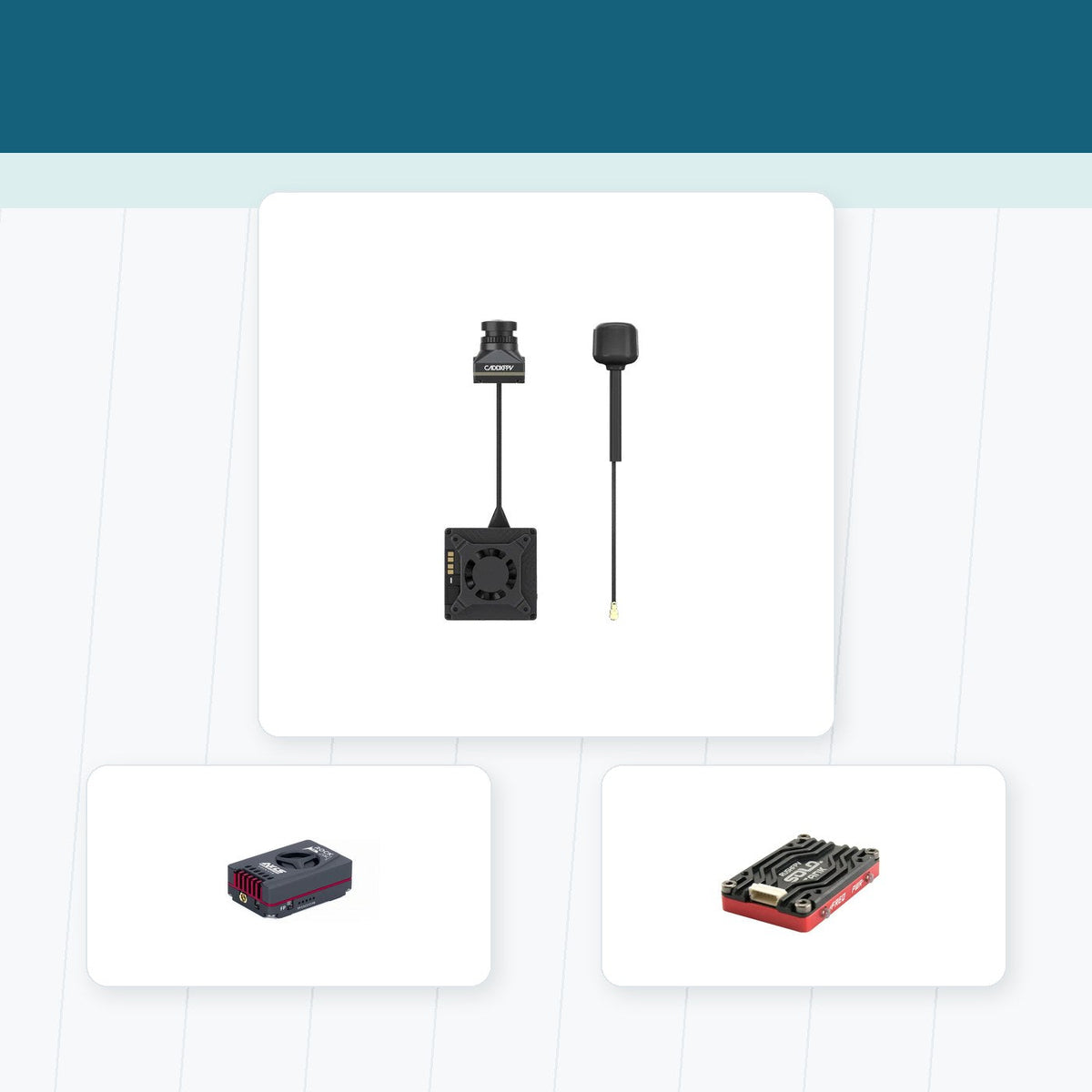
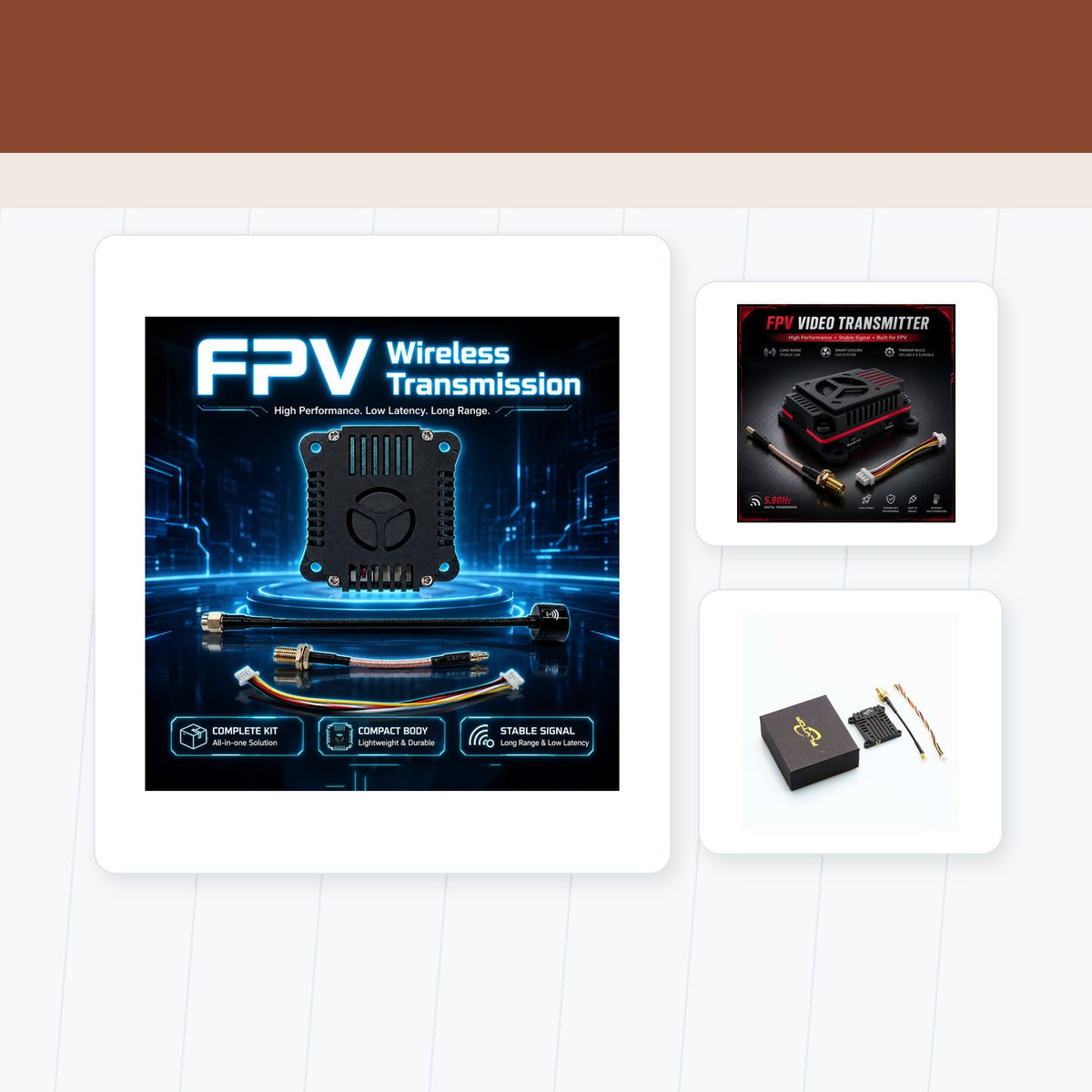
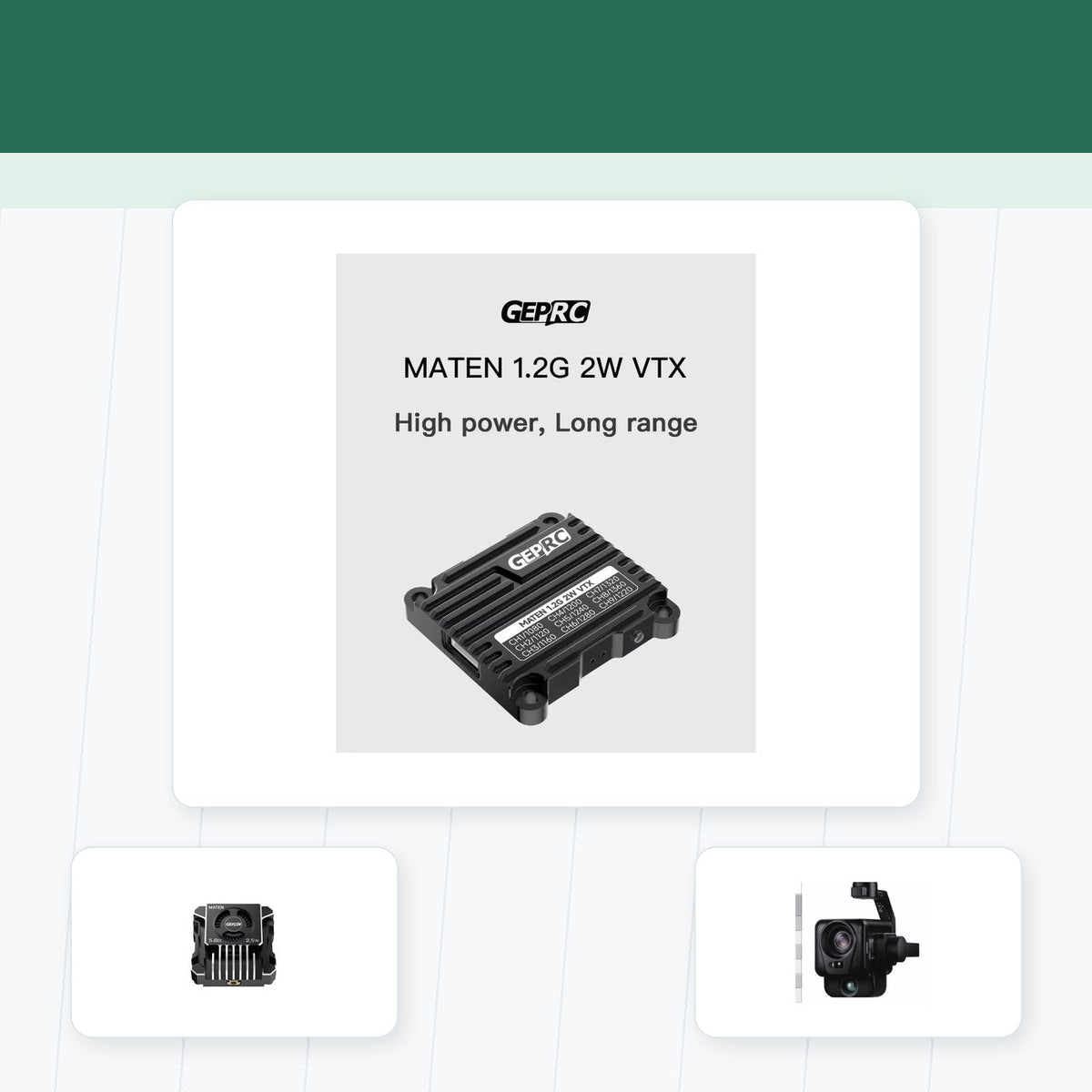
Cinematic footage still depends on the aircraft-side video chain. Pair clean camera mounting with FPV cameras, reliable transmission from FPV video transmitters, and stable aircraft choices from RTF and BNF FPV drones.
Field Checks Before Trusting It
For How to Master Gyroflow: Step-by-Step Open Source FPV Video Stabilization, the cleanest result comes from controlling the whole image chain. Check mounting, vibration, exposure, lens condition, recording format, transmission, and the intended delivery format before blaming a single camera setting or software tool.
- Check the physical setup before blaming software or buying upgrades.
- Confirm the first flight after a change close to the pilot, not at maximum range.
- Keep safety routines boring and repeatable, especially around LiPo batteries.
- Use readable OSD data, notes, and post-flight checks to guide the next decision.
- Retire damaged parts early when heat, corrosion, puffing, or signal instability appears.
How to Decide What Comes Next
Use gyroflow tutorial FPV video stabilization as a repeatable field process: lock the settings that should not drift, capture a short test clip, inspect the result at full resolution, and change one variable before filming the real shot. This keeps creative decisions separate from hardware faults.
The important comparison for gyroflow tutorial FPV video stabilization is the finished clip, not only the specification sheet. Motion blur, dynamic range, stabilization data, RF reliability, storage limits, and export quality all affect whether the footage is useful to a viewer or client.
For gyroflow tutorial FPV video stabilization, record the lighting, frame rate, shutter, ISO, filter, lens, flight speed, and stabilization path. A short shot log makes successful settings repeatable when the location or weather changes.
Practical Takeaway
The right workflow for How to Master Gyroflow: Step-by-Step Open Source FPV Video Stabilization is the one that produces footage you can monitor, stabilize, edit, and deliver consistently. A controlled test before the main flight protects both the aircraft and the shot.
Teilen:
The Ultimate Cinematic FPV Camera Settings Guide: Shutter, ISO, and White Balance
How to Eliminate Jello and High-Frequency Vibration in Your FPV Footage