
Top Drone Flight Controller Tuning Software: Which One Should You Choose?
Whether you are building an agile FPV freestyle quad or deploying a long-range survey plane, choosing the right flight controller (FC) software is critical.
While hardware provides the muscles, the software acts as the brain and control center. Here is a breakdown of the 4 top software platforms to help you decide which one best fits your build.

1. Betaflight Configurator
Best For: FPV Racing, Freestyle, and Cinewhoops
Betaflight is the undisputed king of manual flight performance. Designed with low latency and ultra-responsive stick feel in mind, it allows pilots to fine-tune PID loops and filters down to microsecond precision.
-
Key Strengths:
-
Unmatched stick feel and flight agility for quadcopters.
-
Modern, intuitive UI with extensive community preset support.
-
Excellent Blackbox log evaluation tools for advanced tuning.
-
2. INAV Configurator
Best For: Long-Range FPV & Mid-Range GPS Navigation
INAV bridges the gap between pure manual FPV flying and fully autonomous mission planning. If you fly fixed-wing aircraft or long-range quads where Return-to-Home (RTH) and Altitude Hold are essential safety features, INAV is your best bet.
-
Key Strengths:
-
Beginner-friendly GPS features (Position Hold, Waypoints, Safe RTH).
-
Outstanding out-of-the-box performance for fixed-wing (airplanes & wings).
-
Keeps the clean, accessible interface layout familiar to Betaflight users.
-
3. Mission Planner
Best For: Professional Autopilot, Surveying & ArduPilot Ecosystem
Mission Planner is a feature-rich Ground Control Station (GCS) designed specifically for the ArduPilot firmware stack. It is built for complex industrial tasks, from grid-based agricultural mapping to autonomous perimeter patrols.
-
Key Strengths:
-
Deep, granular control over thousands of parameters.
-
Advanced mission planning tools (grid mapping, camera triggering, geo-fencing).
-
Comprehensive forensic telemetry and log analysis tools.
-
4. QGroundControl (QGC)
Best For: Cross-Platform Workflows & PX4 / ArduPilot Systems
QGroundControl delivers a slick, modern, touch-friendly UI that runs seamlessly across Windows, macOS, Linux, iOS, and Android. It is the primary interface choice for PX4 autopilot users and a clean alternative for ArduPilot platforms.
-
Key Strengths:
-
Clean, responsive single-pane layout optimized for field use on tablets or phones.
-
Multi-platform consistency across desktop and mobile devices.
-
Smooth setup wizard for initial vehicle calibration and MAVLink telemetry.
-
Quick Summary: Which Should You Pick?
| Software | Primary Focus | Best Vehicle Type |
| Betaflight | Manual performance & agility | FPV Freestyle & Race Quads |
| INAV | GPS cruise & basic navigation | Long-Range Quads & Fixed-Wings |
| Mission Planner | Full autonomy & deep parameter tuning | Industrial Drones & Mapping UAVs |
| QGroundControl | Cross-platform usability & MAVLink GCS | PX4/ArduPilot Commercial Fleets |
Related FPV Resources
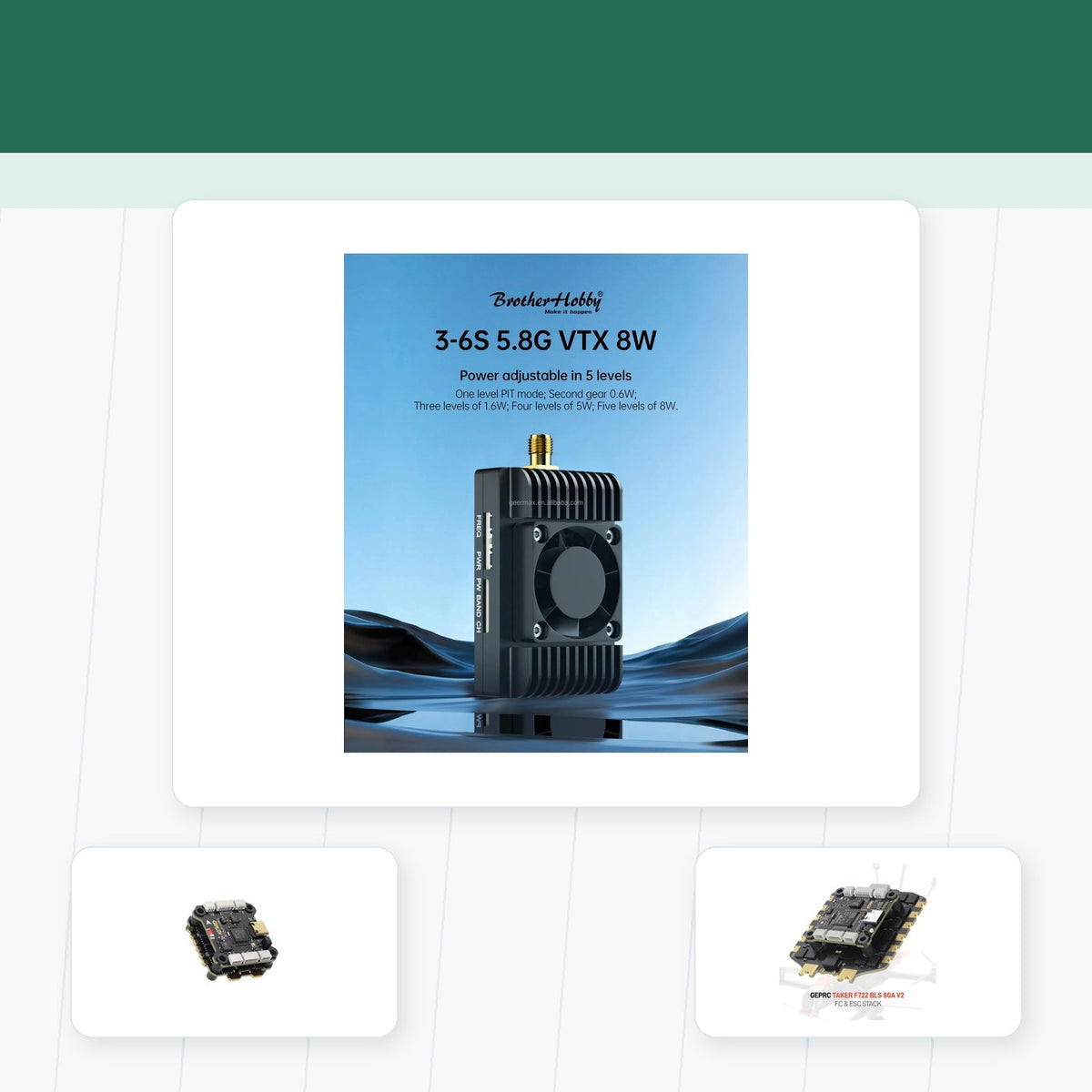
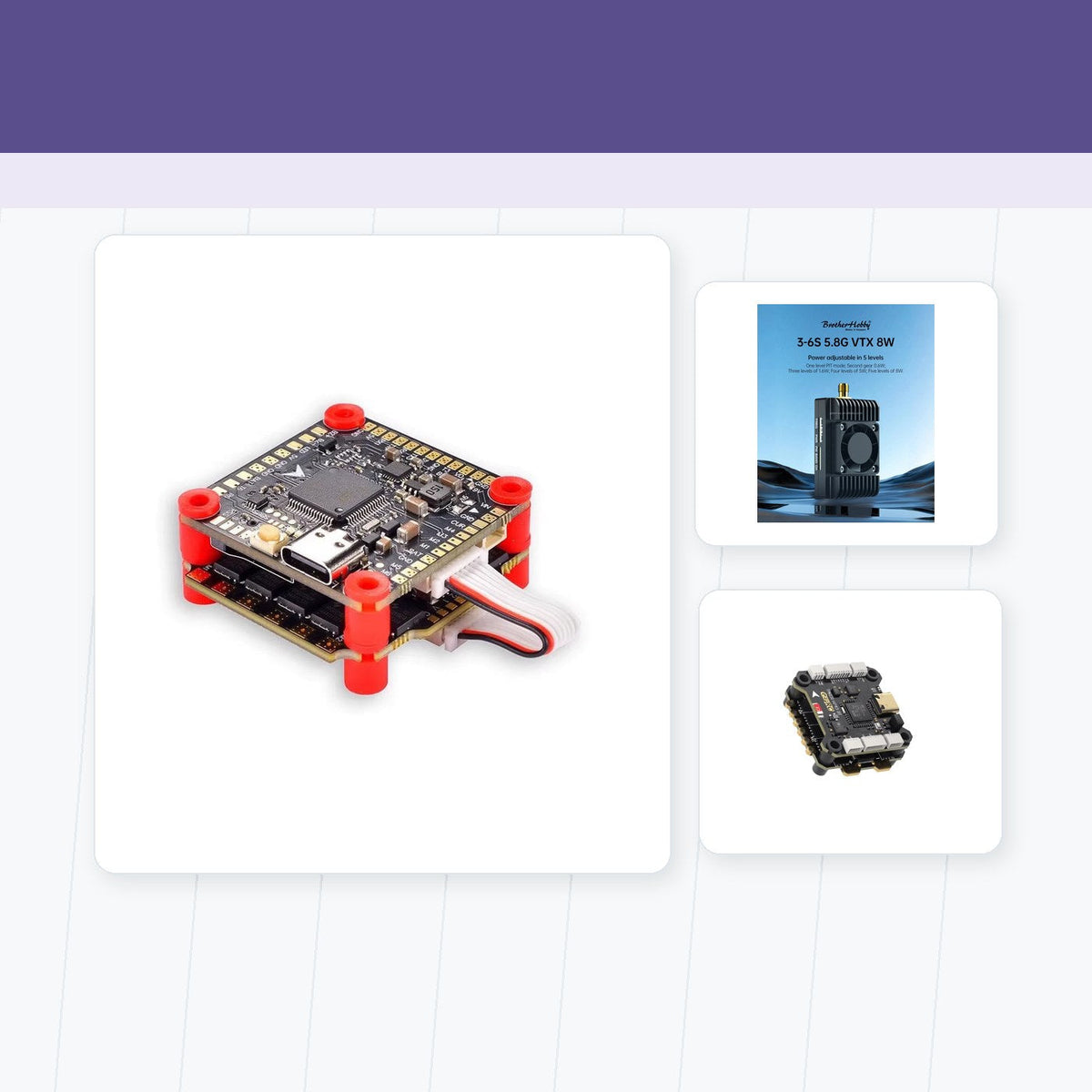
After selecting the firmware ecosystem, compare compatible FC and ESC stacks and supporting BEC and power-control components.
Practical Checklist for Top Drone Flight Controller Tuning Software: Which One Should You Choose?
Use the following checklist to turn the comparison or procedure in this guide into a repeatable decision. Start with the equipment and conditions you actually use, document the current working state, and avoid changing several variables at once.
- Choose software according to aircraft type and mission rather than processor branding alone.
- Verify that the exact board target, sensors, outputs, and peripherals are supported before flashing firmware.
- Back up the current configuration and record the firmware version before experimenting with parameters.
- Start from documented defaults or a trusted preset, then change one group of settings at a time.
- Test arming, failsafe, motor outputs, navigation, and recovery functions in a controlled environment.
How to Validate the Result
Define a clear success condition before testing. For Top Drone Flight Controller Tuning Software: Which One Should You Choose?, that might be stable operation, lower temperature, cleaner video, more predictable control, easier maintenance, better compatibility, or a safer workflow. Record the starting configuration, complete one controlled change, and compare the result under the same conditions. If the outcome cannot be repeated, treat it as an observation rather than a proven improvement.
Photograph wiring and mounting, save configuration files, and note component models and firmware versions where relevant. These records are especially useful after a crash, repair, software update, or equipment swap. They also make it easier to explain the setup to another pilot, technician, or purchasing team without relying on memory.
Before relying on the result, repeat the test under representative conditions and record the hardware, firmware, settings, environment, and outcome. A known-good baseline makes future upgrades and troubleshooting faster because each change can be compared with evidence instead of memory.
Revisit this checklist whenever the aircraft, battery, video or control system, payload, software, or operating environment changes. Confirm manufacturer documentation and local requirements where safety, radio transmission, batteries, airspace, or professional operations are involved.
Share:
The Ultimate 5 Inch Freestyle Build Guide (2026): Components, Setup & Tuning
OpenTX vs EdgeTX for FPV: Which Radio Firmware Should You Use?