
Most FPV pilots start on 5.8GHz video because it is compact, common, and easy to build around. But 2.4GHz still matters for specific long-range and penetration-focused setups.

Frequency affects antenna size, obstacle behavior, interference, hardware availability, and what is practical at the field. It is not a simple better-or-worse comparison. A small racing quad and a long-range aircraft may need different video decisions.
Why 5.8GHz Became the FPV Default
5.8GHz video is popular because antennas are small, gear is widely available, and race channel systems are well understood. The compact antenna size is a huge advantage on 3-inch, 5-inch, freestyle, racing, and whoop builds. It is also easier for stores, groups, and events to standardize around.
The tradeoff is obstacle penetration. 5.8GHz can struggle behind dense trees, concrete, terrain, vehicles, and buildings. Good antennas, clean mounting, and smart pilot position help, but the band still prefers line of sight.
Where 2.4GHz Can Help
Lower frequencies generally handle obstacles and distance differently, and 2.4GHz video can be attractive for pilots chasing more penetration or longer usable links. The cost is larger antennas, more specialized hardware, and more potential conflicts with control links, Wi-Fi, or other RF activity depending on the setup.
This is why 2.4GHz video is usually a deliberate choice, not a casual beginner default. It asks the pilot to understand the whole RF system, including control link frequency, antenna placement, local rules, and separation between transmitters.
Practical Comparison
| Factor | 5.8GHz video | 2.4GHz video |
|---|---|---|
| Hardware availability | Very broad in FPV | More specialized |
| Antenna size | Compact and easy to mount | Larger antennas |
| Typical use | Racing, freestyle, whoops, general FPV | Special long-range or penetration-focused builds |
| Obstacle behavior | More sensitive to blockage | Can be more forgiving in some environments |
| Setup complexity | Beginner friendly | Requires more RF planning |
Power and Heat
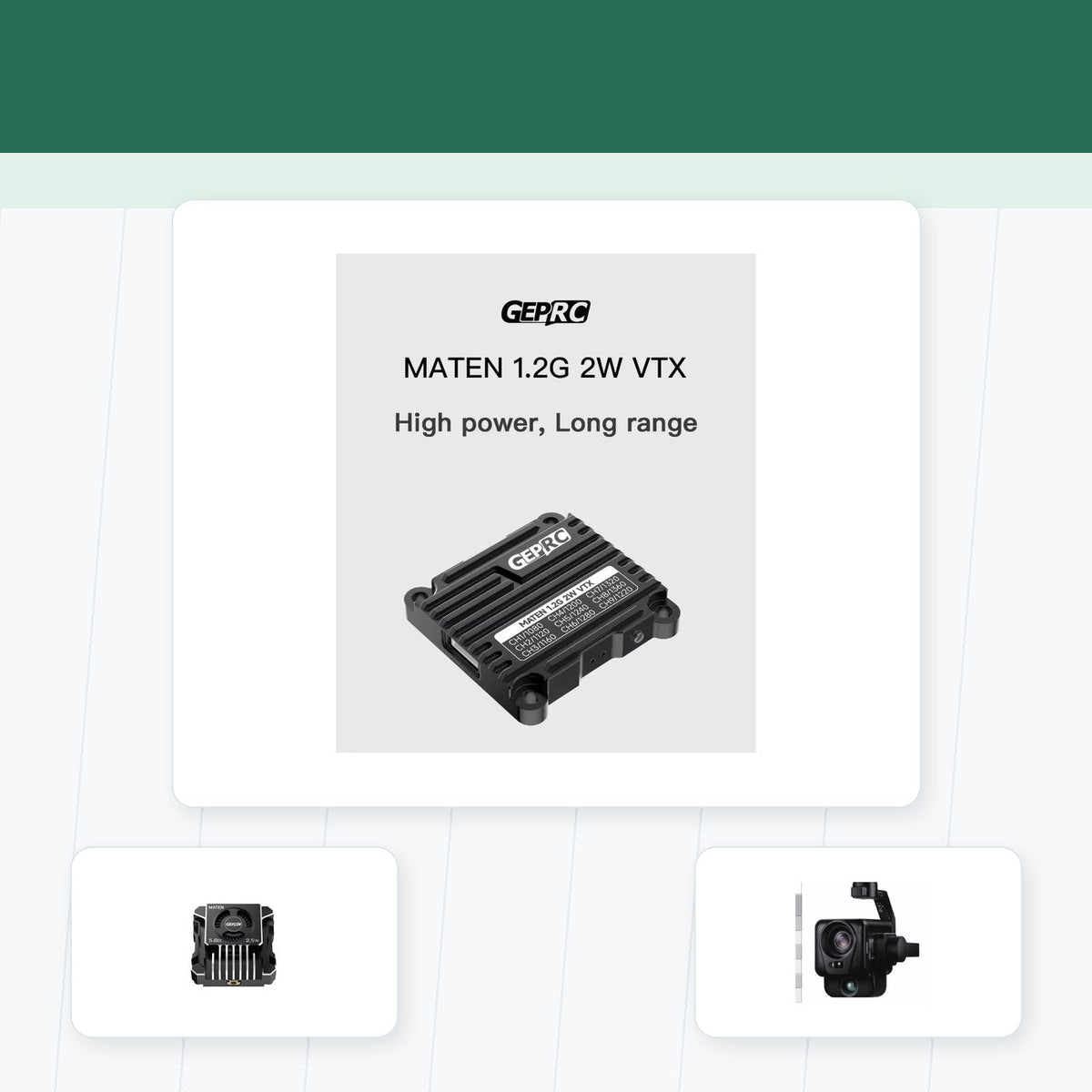
VTX power is part of the equation, but it is not the whole equation. A high-power transmitter with a poor antenna mount can perform badly, while a moderate-power setup with clear antenna placement can be surprisingly strong. For demanding analog setups, compare hardware such as the dual-band 4.9G/5.8G FPV video transmitter or the 2.5W high-power FPV video transmitter, then make sure your frame gives the antenna room to work.
Higher output also means more heat. Do not leave high-power analog VTX units powered on for long bench sessions without airflow. Configure quickly, use a fan when needed, and avoid burying the transmitter under heat-trapping parts.
Channel Planning and Other Pilots
FPV frequency planning is also social. At races or group sessions, pilots coordinate channels to prevent interference. 5.8GHz race bands make this easier because many pilots already understand the spacing. On less common bands, coordination becomes even more important.
Also check local regulations. Output power, allowed frequencies, and licensing requirements can vary. The right technical setup still needs to be operated legally and responsibly.
Bottom Line
Choose 5.8GHz for most FPV builds, especially if you are learning, racing, flying freestyle, or building compact aircraft. Consider 2.4GHz video only when you have a clear range or penetration reason and are ready to plan the whole RF system around it.
Reference Links
Practical Checklist for Understanding FPV Video Frequencies: 2.4GHz vs. 5.8GHz
Use the following checklist to turn the comparison or procedure in this guide into a repeatable decision. Start with the equipment and conditions you actually use, document the current working state, and avoid changing several variables at once.
- Select frequency according to antenna size, propagation needs, interference, equipment availability, and regional rules.
- Survey the operating area instead of assuming one band will always provide a cleaner link.
- Keep control and video systems planned together to reduce self-interference and poor antenna placement.
- Use matched antennas, legal power levels, and clear mounting away from carbon and electronics noise.
- Increase range gradually while monitoring link quality and retaining a safe recovery margin.
How to Validate the Result
Define a clear success condition before testing. For Understanding FPV Video Frequencies: 2.4GHz vs. 5.8GHz, that might be stable operation, lower temperature, cleaner video, more predictable control, easier maintenance, better compatibility, or a safer workflow. Record the starting configuration, complete one controlled change, and compare the result under the same conditions. If the outcome cannot be repeated, treat it as an observation rather than a proven improvement.
Photograph wiring and mounting, save configuration files, and note component models and firmware versions where relevant. These records are especially useful after a crash, repair, software update, or equipment swap. They also make it easier to explain the setup to another pilot, technician, or purchasing team without relying on memory.
Before relying on the result, repeat the test under representative conditions and record the hardware, firmware, settings, environment, and outcome. A known-good baseline makes future upgrades and troubleshooting faster because each change can be compared with evidence instead of memory.
Revisit this checklist whenever the aircraft, battery, video or control system, payload, software, or operating environment changes. Confirm manufacturer documentation and local requirements where safety, radio transmission, batteries, airspace, or professional operations are involved.
Share:
LHCP vs. RHCP FPV Antennas: What Is the Difference?
How to Prevent FPV Video Signal Loss Behind Obstacles